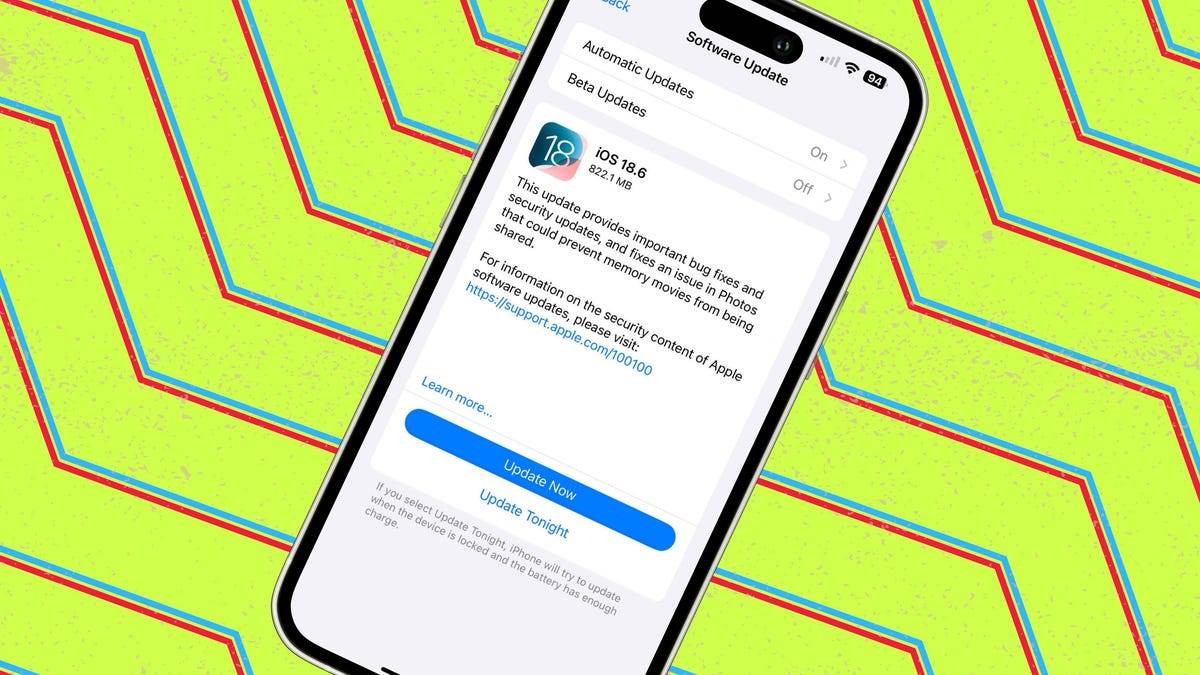
iOS 18.6 Privacy: Change These 11 Settings Immediately

① 🪝 Impression Hook
Your iPhone just got smarter, but it’s quietly sharing more than you think—lock it down before someone else does.
② 🗺️ Schema Map (30-second overview)
🔑 Point A — iOS 18.6 rolls out with hidden data-sharing defaults that boost Apple’s AI but risk privacy.
📈 Point B — Key toggles like Siri & Spotlight suggestions, iCloud Analytics, and Ad Tracking are on by default.
📉 Point C — Each unchecked setting leaks behavioral data, location patterns, or contact insights to the cloud.
🌐 Point D — A 2-minute audit can lock down privacy, enhance battery life, and reclaim control.
TL;DR: iOS 18.6 defaults favor convenience over privacy—adjust 11 settings now to stay safe.
③ 🧩 Triple-Chunk Core
Chunk 1 – What happened
Apple’s iOS 18.6 update enables AI-driven features by default, including personalized Siri, iCloud Analytics, and ad profiling—many of which harvest personal data.
Chunk 2 – Impact
Leaving these on exposes search habits, location history, app usage, and contact interactions to Apple and third-party advertisers, potentially slowing performance.
Chunk 3 – Insight
Privacy isn’t dead—it’s buried in Settings. A quick review of 11 toggles restores control, reduces tracking, and aligns the device with user intent, not corporate defaults.
④ 📚 Glossary
iCloud Analytics — Apple’s feature that uploads device usage patterns to improve services; can be disabled to prevent data sharing.
App Tracking Transparency — iOS permission that stops apps from selling your behavior data to advertisers; should remain blocked unless explicitly allowed.
⑤ 🔄 Micro-Recall
Q1: Which iOS 18.6 feature shares your app usage with Apple by default?
A1: iCloud Analytics.
Q2: What setting stops apps from tracking you across other apps and websites?
A2: App Tracking Transparency (toggle off "Allow Apps to Request to Track").
Q3: Why disable Siri & Spotlight suggestions when not using Apple Intelligence?
A3: They send usage data to Apple’s servers, increasing privacy exposure unnecessarily.
⑥ 🚀 Action Anchor
for iPhone owners:
1️⃣ Turn off iCloud Analytics in Settings > Privacy & Security > Analytics & Improvements.
2️⃣ Disable Siri & Dictation History and Improve Siri & Dictation.
3️⃣ Block Ad Tracking and Product Suggestions in Apple ID > Advertising.
Take back your data—before the phone knows you better than you know yourself.
Sources
www.zdnet.com